
The User List Field
The User List field (internally userslit or userslist) allows selecting one or several users registered in the system, similar to the Author field, but geared towards generic lists of participation or assignment of responsible parties.
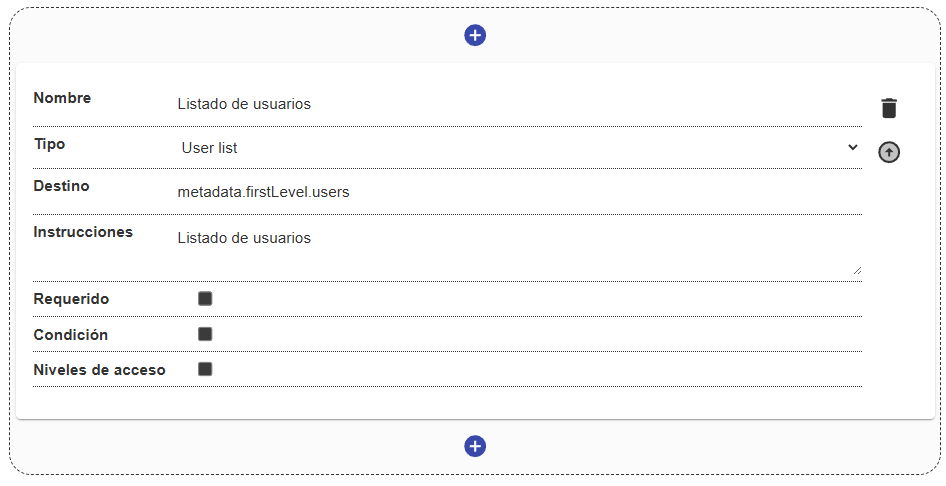
Field Structure
Section titled “Field Structure”Name:
- Description: The label that identifies the field.
- Example:
"Assigned reviewers","Project participants".
Destination:
- Description: Location where the IDs of the selected users will be stored.
- Example:
metadata.firstLevel.reviewers.
Instructions:
- Description: Additional help information.
Required:
- Description: Defines whether selecting at least one user is mandatory.
Condition and Access levels:
- Description: Control whether the field is shown and who has permission to modify it.
Behavior in the interface
Section titled “Behavior in the interface”- It is presented as an autocompletable search field.
- As the user types, the system looks up usernames or email addresses registered in ArchiHUB and lets them be selected from the suggested list.
- Selected users are added as visual tags or pills, allowing multiple users to be grouped under the same field.
- It ensures that the entered names correspond faithfully to valid identities on the platform.