
The Checkbox Field (True/False)
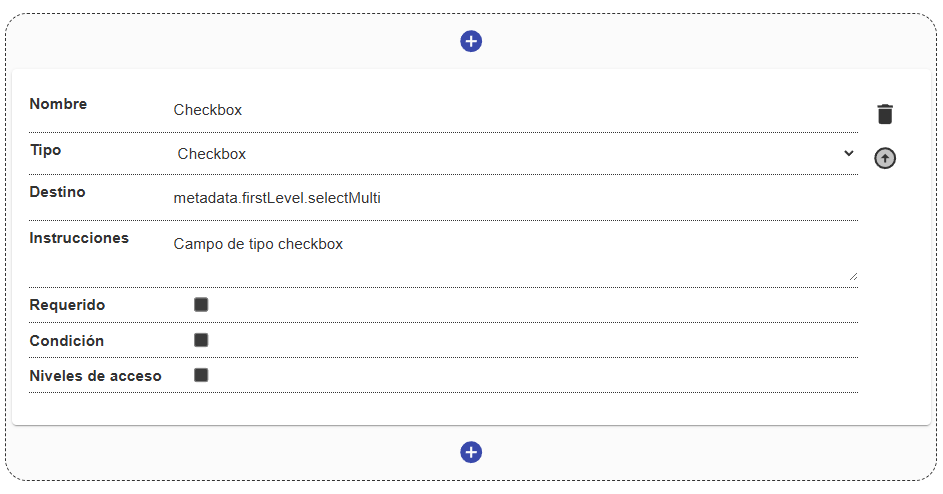
The Checkbox field (internally checkbox) is used for binary options, such as “Yes/No”, “I agree”, or any simple boolean state.
Field Structure
Section titled “Field Structure”Name:
- Description: The label or descriptive text of the action to confirm.
- Example:
"Original document","Approved for publication".
Destination:
- Description: The key in the metadata where the
trueorfalsevalue will be stored. - Example:
metadata.firstLevel.is_original.
Instructions:
- Description: Help text to provide context about what checking the box implies.
Required:
- Description: If required, the box must be checked in order to save the form (useful for accepting terms and conditions or certifying validity).
Condition and Access levels:
- Description: Manage the field’s dynamic visibility and permissions.
Behavior in the interface
Section titled “Behavior in the interface”- It is shown as a classic interactive checkbox or a toggle (switch).
- Its default initial state is usually unchecked (
false). - Clicking it toggles the state, immediately updating the data model.
